How to automatically calculate the amount based on the answer in the payment form?
"I would like to make a Google form for people to choose different items"- Google Docs Editors Community
Workshops, classes and tickets often cost different amounts, and people want to see what they'll pay before they submit. Google Forms lets you type a price beside each answer, but it can't add the prices up or ask anyone to pay. So you work out each amount afterwards and write to each person. With Neartail, each answer carries its price, the form shows the amount as people choose and they pay that amount when they submit. The responses still go to your Google Forms, so you can sync them to Google Sheets and see who picked what.
Let's start. Import your Google Form and follow the steps below.
Set up payments
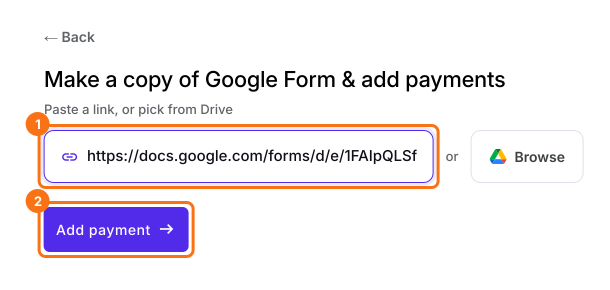
- On the page that opens, paste your Google Form's link or click Browse to pick it, then click Add payment.
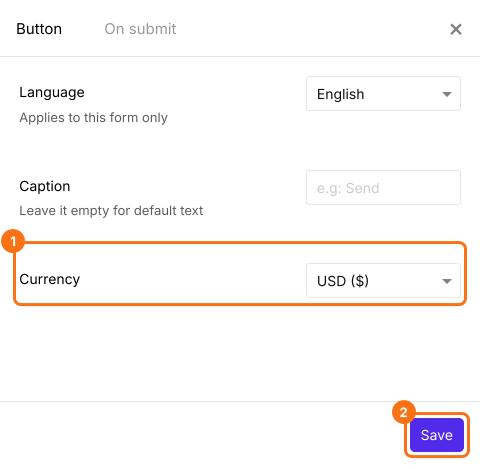
- Select your currency and click Continue.
- When it says "Your order form is ready", Neartail has made a product from each question with a price and added an order total and summary. If it says no products were found, add a price to any question.
- Click Preview your form. Then, under Manage, click Edit form to open the form builder.
- At the end of the editor, click Enable under Payments disabled, then click Enable next to Do you want to collect payment.
- If PayPal isn't under Manual payments, your form is in a currency PayPal doesn't take. Close the Payments panel, click the gear icon in the After payment row, the last row above the Submit button, select the currency you charge in and click Save. Then click Edit in the Payments row.
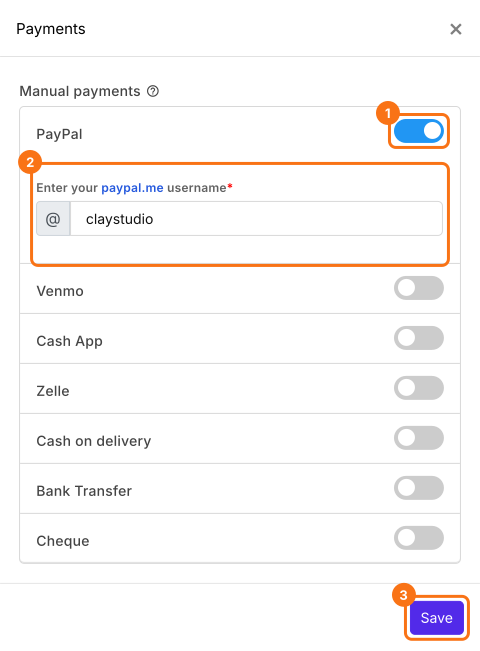
- Under Manual payments, turn on PayPal, enter your paypal.me username and click Save.
Put a price on each answer
- If each answer in your question has a price, Neartail has already made the question a product with a variant for each answer. Check its prices as below.
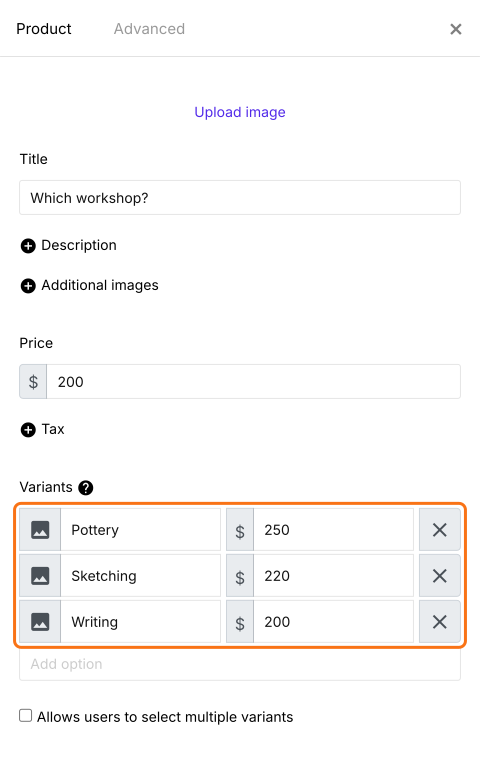
- If not, click Add product in the toolbar on the right. Enter your question as the title, such as Which workshop?, and select Sold by variant.
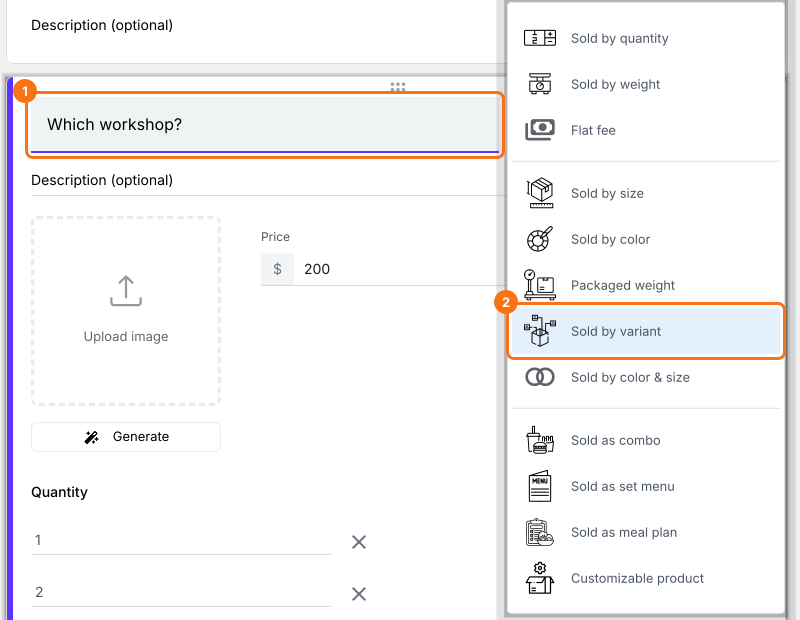
- Enter each answer as a variant, such as Pottery, Sketching and Writing.
- Click the gear icon at the bottom of the card, click Variant price, enter the price of each variant, such as $250, $220 and $200, and click Save.
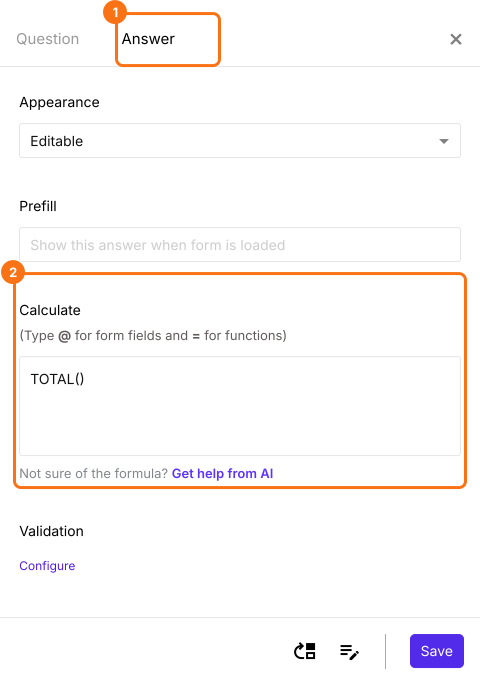
- Order Amount adds up the prices with TOTAL(), which you can see under the Advanced setting icon, Answer, in Calculate. Leave it as it is.
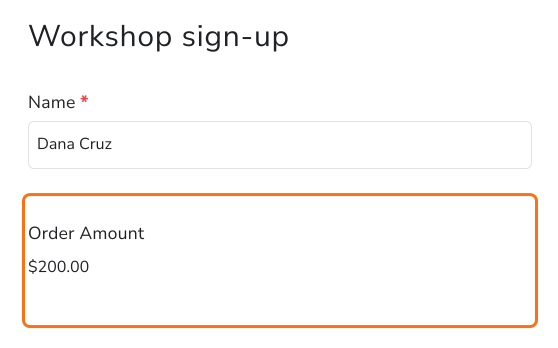
- Click Preview and fill in the form to try it.

Summary
Put a price on each answer in your Google Form.
Import your Google Form and give each answer a Variant price, so the form shows the amount as people choose and they pay it when they submit.