Create signature form using AI

Google Forms without esign

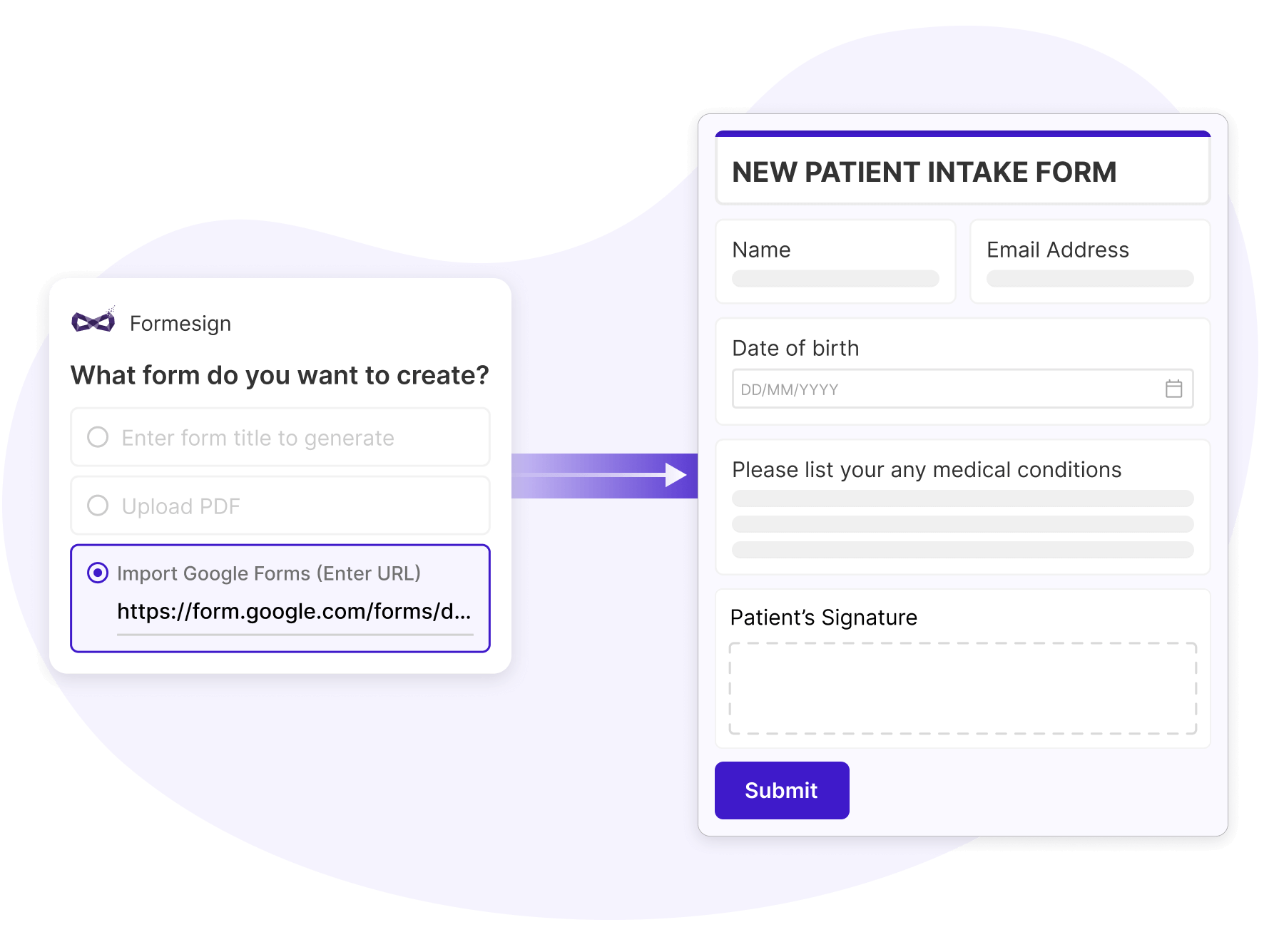
Create your signature form in seconds

Generate forms using a simple outline

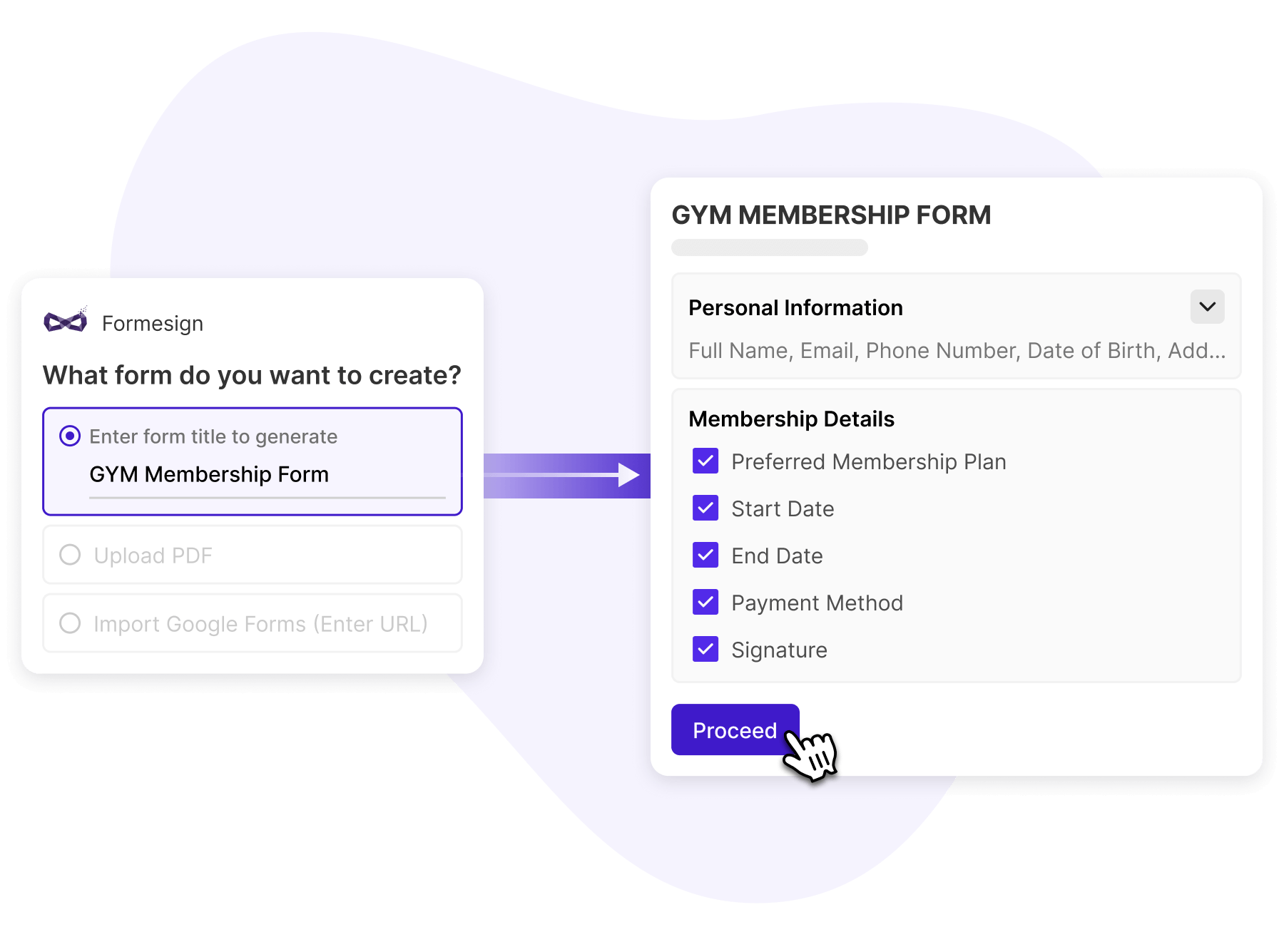
Create forms faster by starting with an outline. Enter a title, review the auto-generated fields, and use plain text instructions to refine and finalize your form exactly the way you want.

Generate forms using a simple outline
Convert PDFs into editable forms

Convert PDFs into editable forms

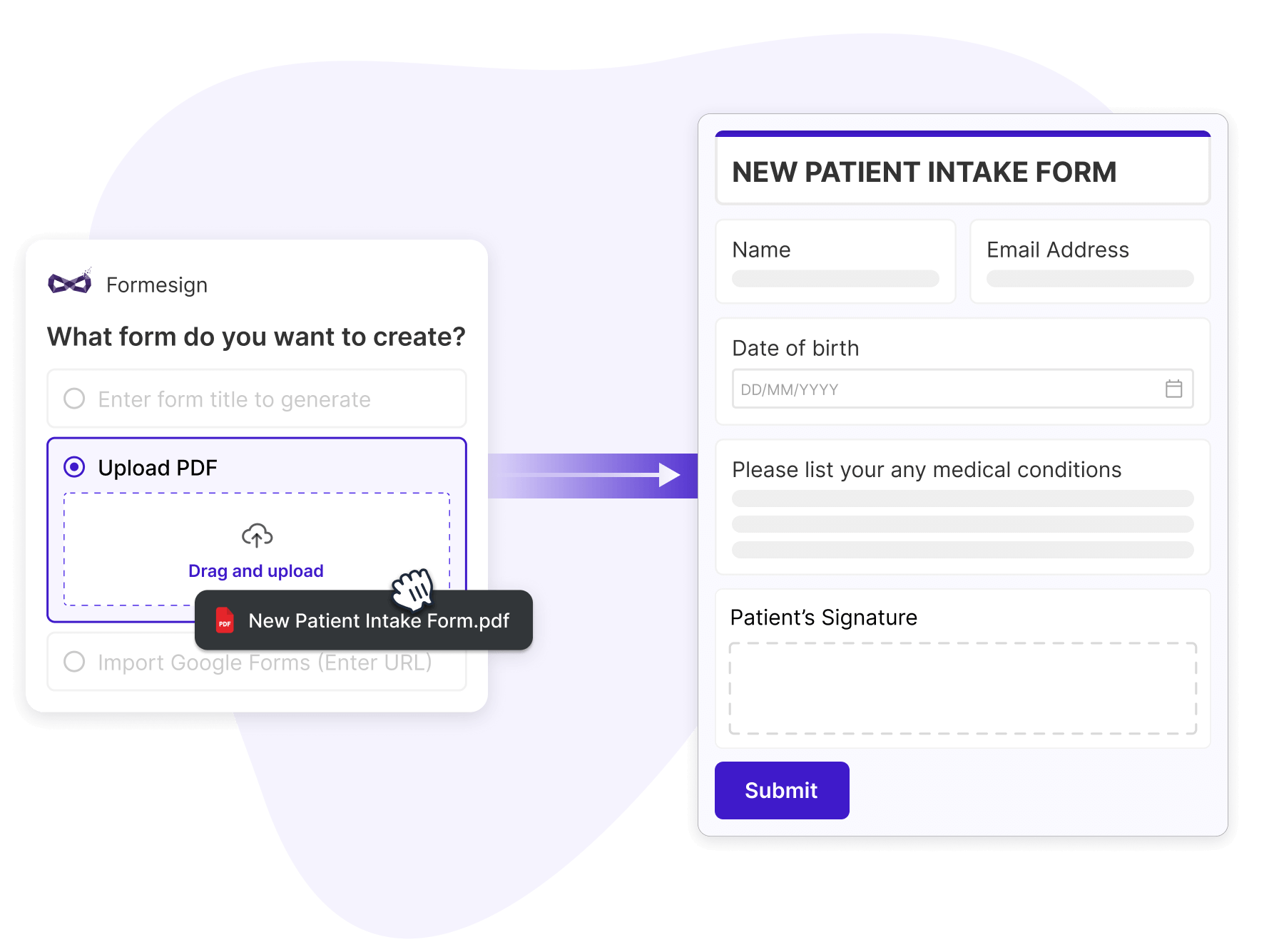
Upload your PDF and instantly extract fields to convert it into a fully editable and customizable form, ready to share and collect responses without manual rebuilding.

Collect signatures in Google Forms

Import your Google Form using a URL or enhance an existing form with the Formesign add-on to easily collect secure and legally binding eSignatures.

Collect signatures in Google Forms
Collect signatures in Google Docs

Collect signatures in Google Docs

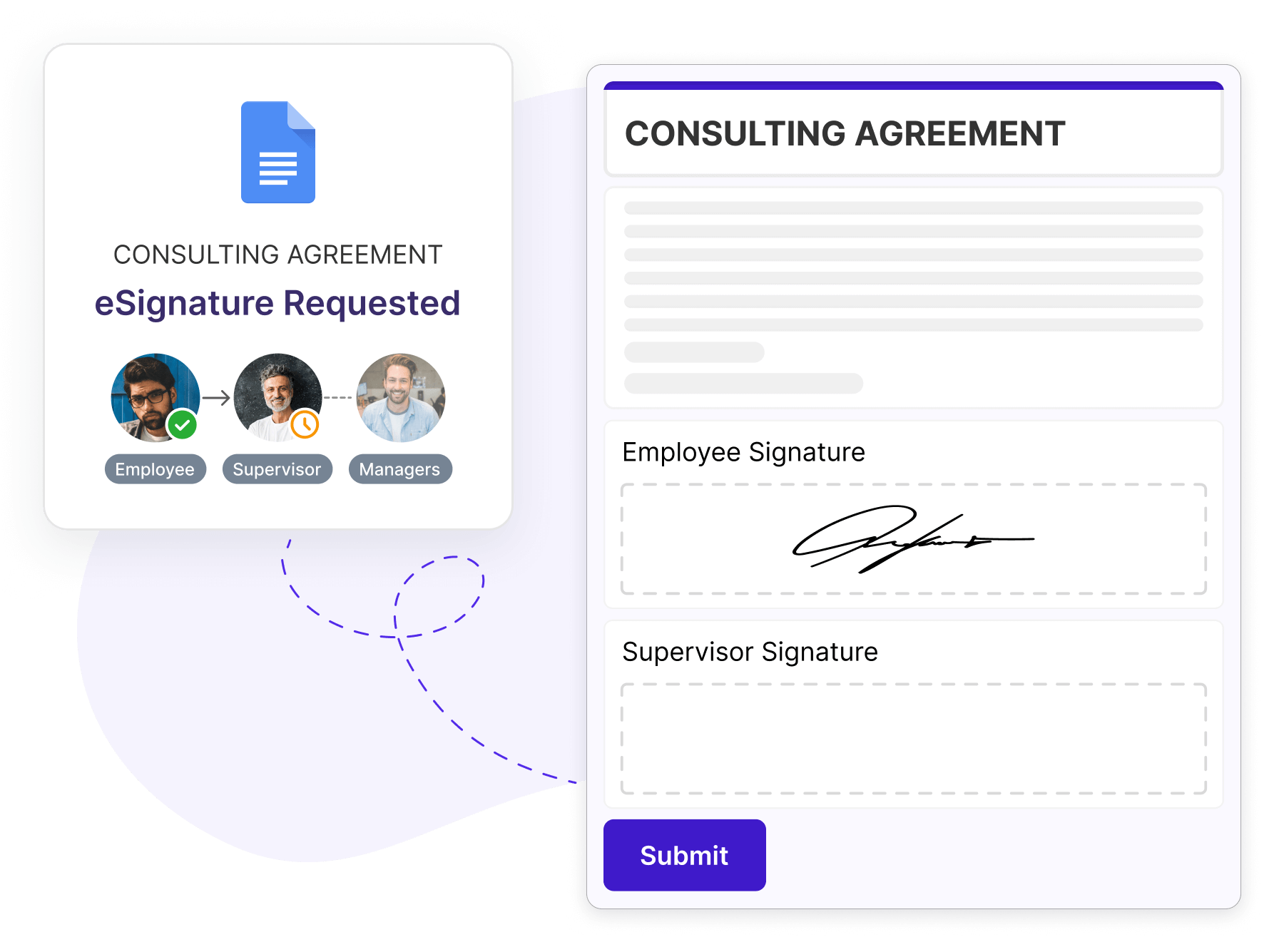
Set up automated workflows to collect signatures directly in Google Docs or turn documents into reusable, fillable templates for recurring signature needs.

Collect signatures in Google Sheets

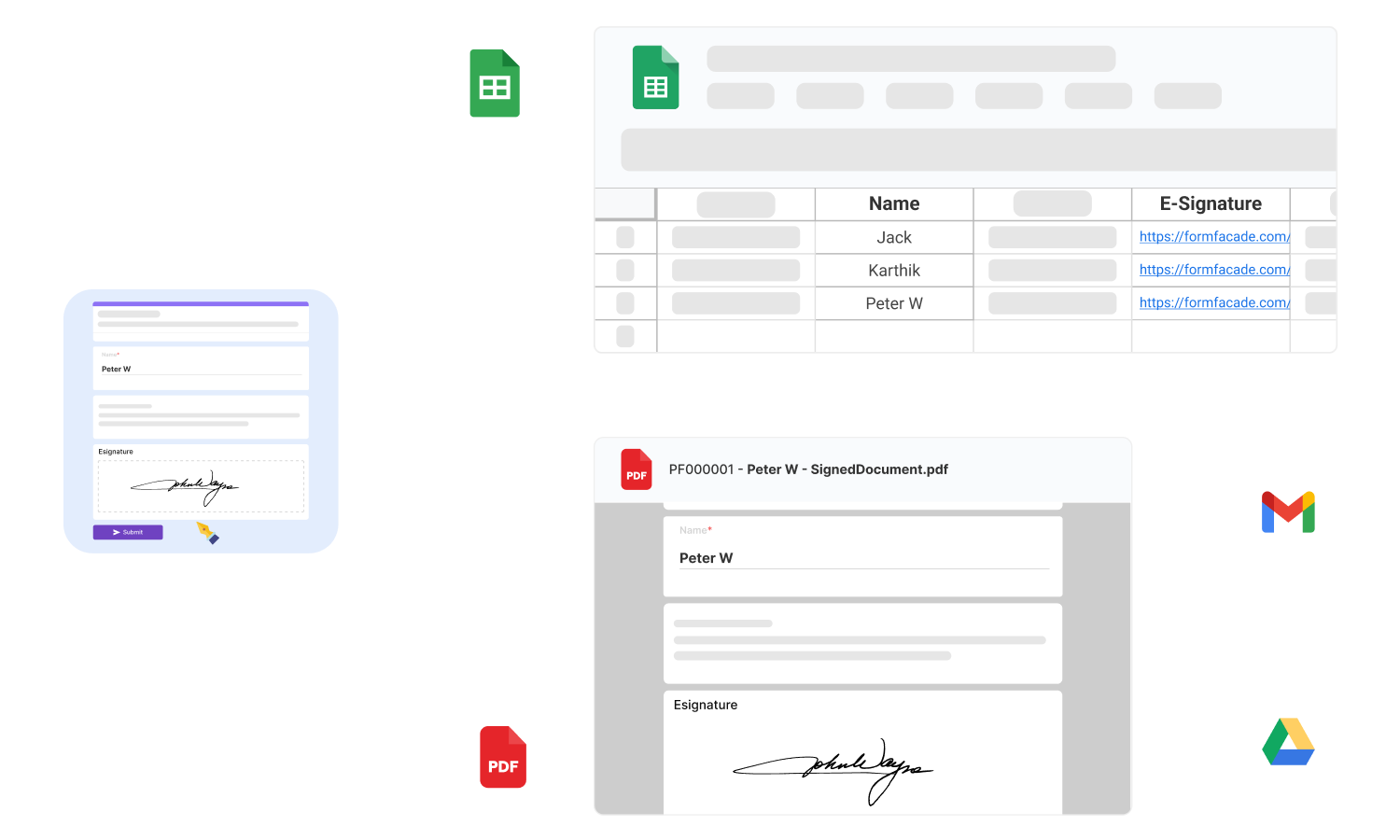
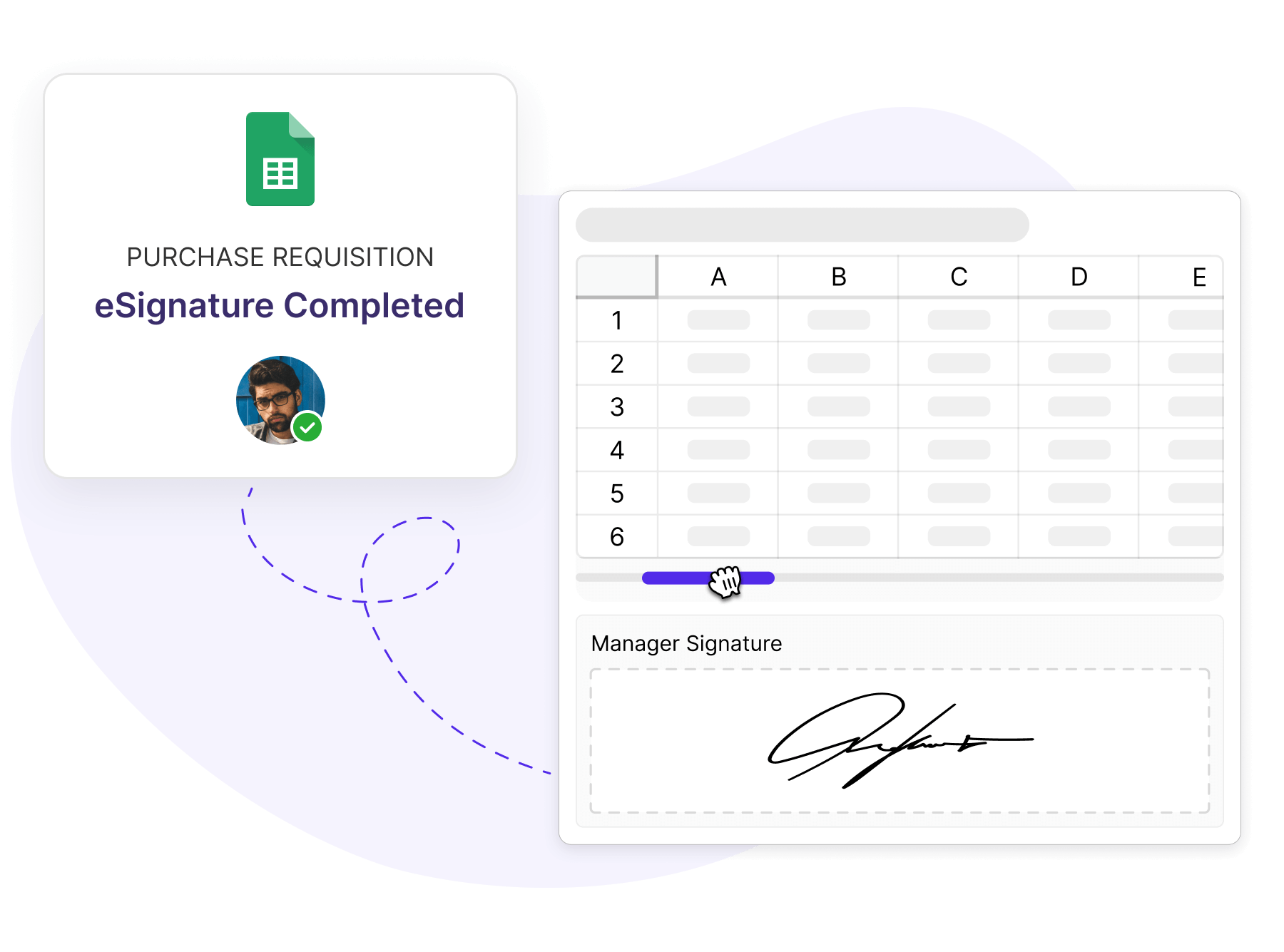
Convert Google Sheets into interactive HTML forms and allow users to sign securely with legally binding eSignatures while keeping your data structured.

Collect signatures in Google Sheets

Boost efficiency & improve turnaround time by 4x

Automate approval and signing workflows

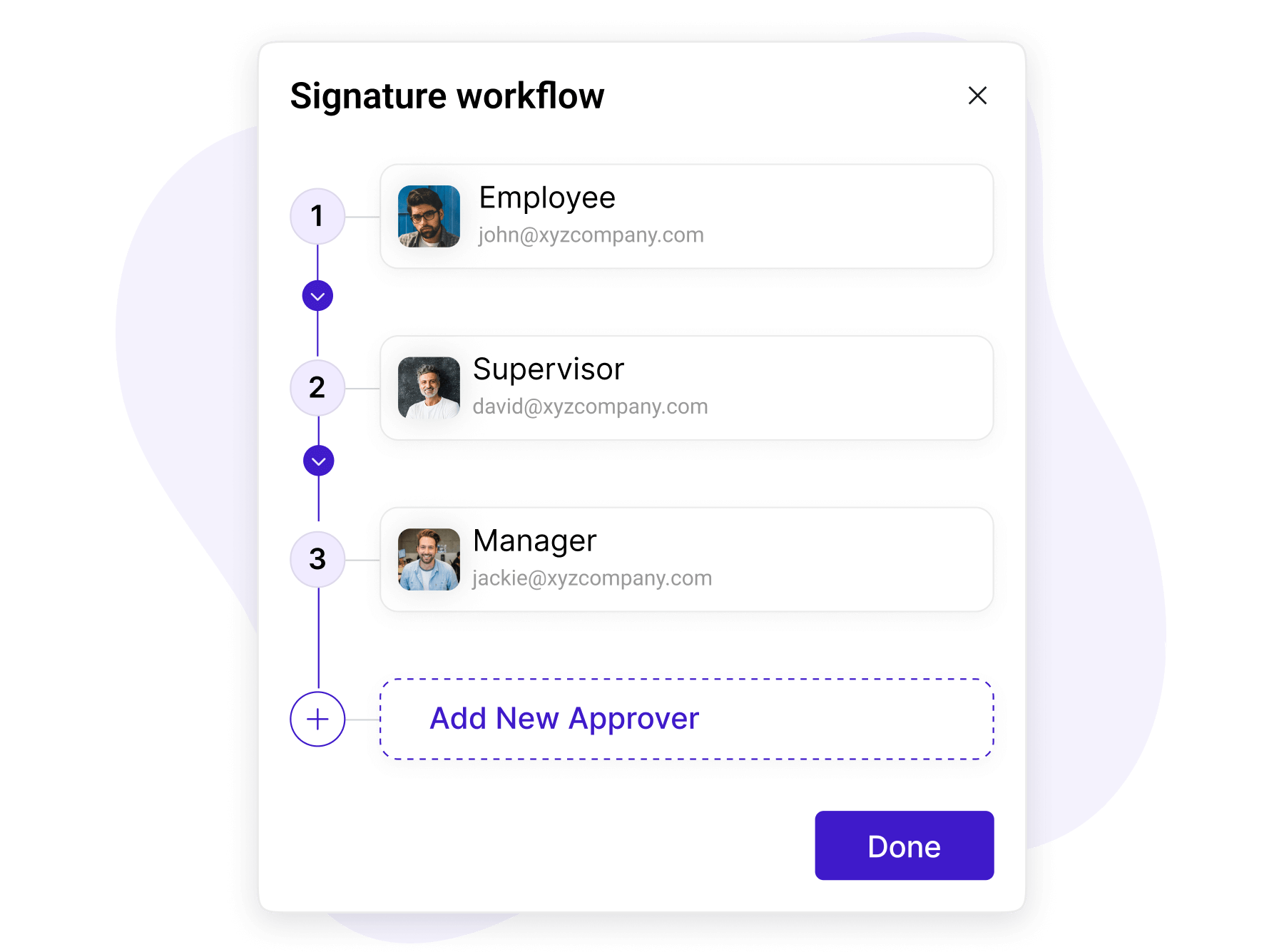
Add multiple signers, define signing order, configure conditional routing steps, and streamline approvals to reduce delays and manual follow-ups.

Automate approval and signing workflows
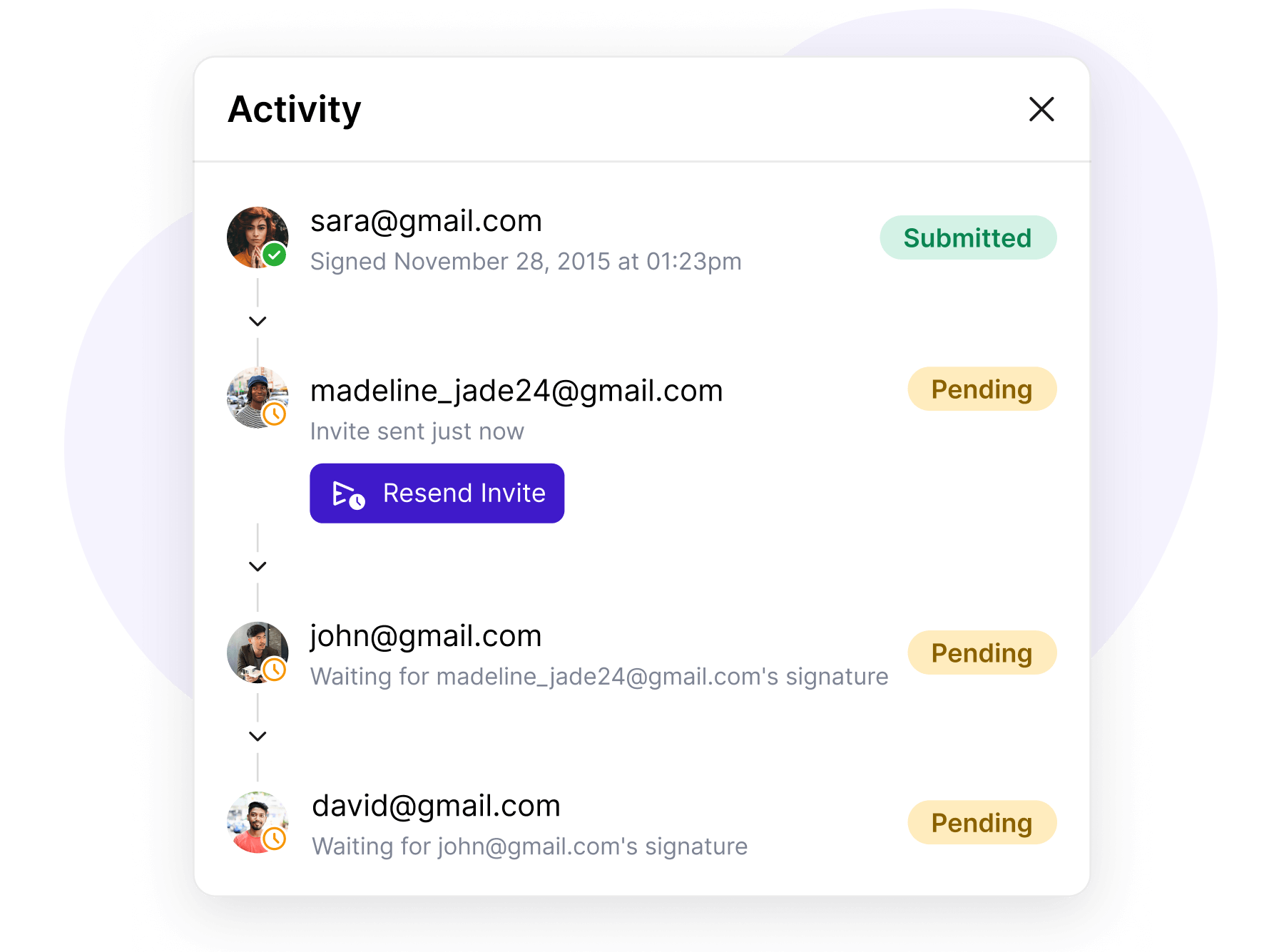
Monitor signing progress in real time

Monitor signing progress in real time

Track every action live with real-time activity updates, instant alerts, and automated reminders to ensure documents are completed on time.

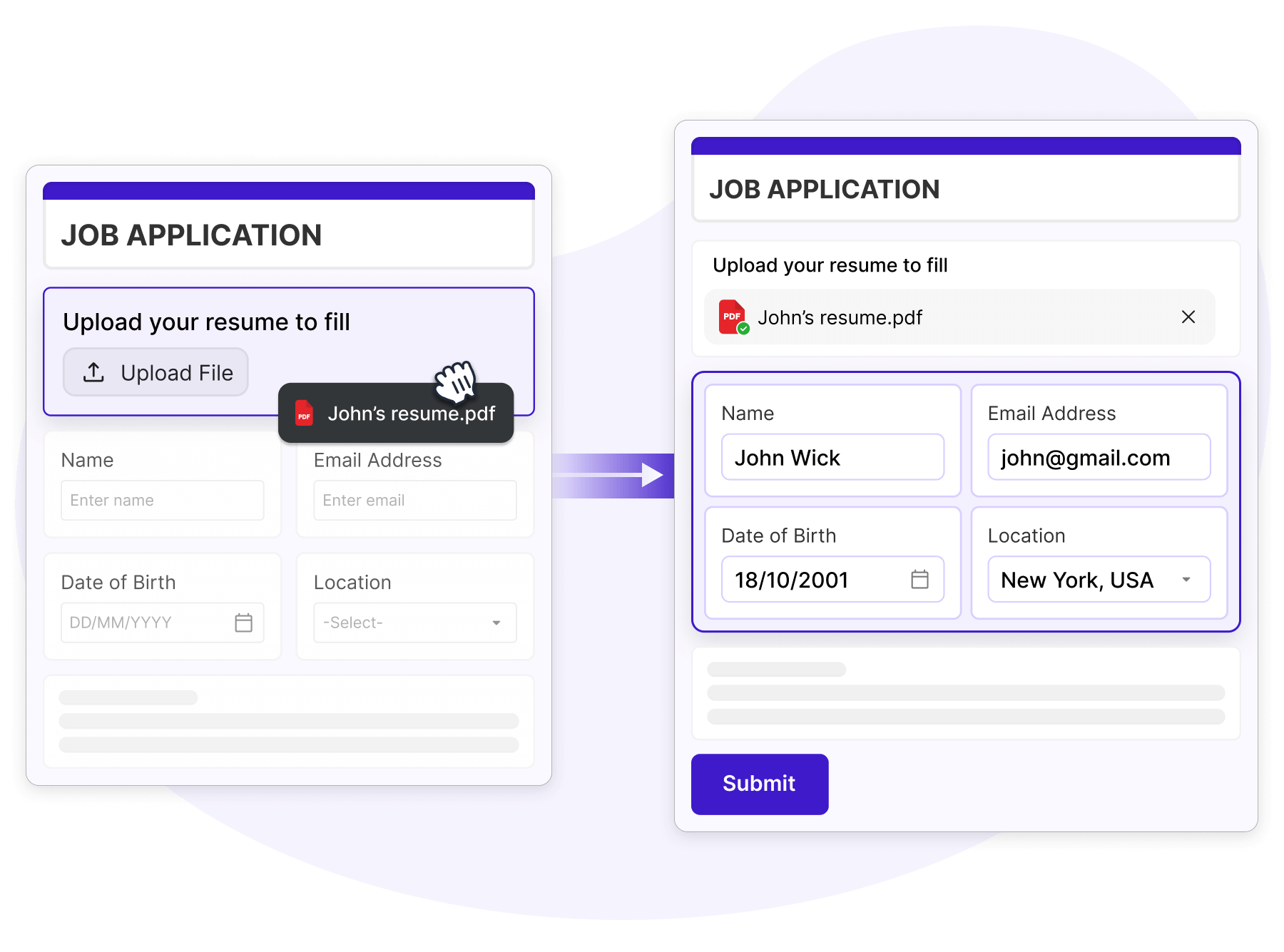
Autofill forms from uploaded documents

Let users upload documents and automatically extract answers to instantly prefill forms, saving time and reducing manual data entry.

Autofill forms from uploaded documents
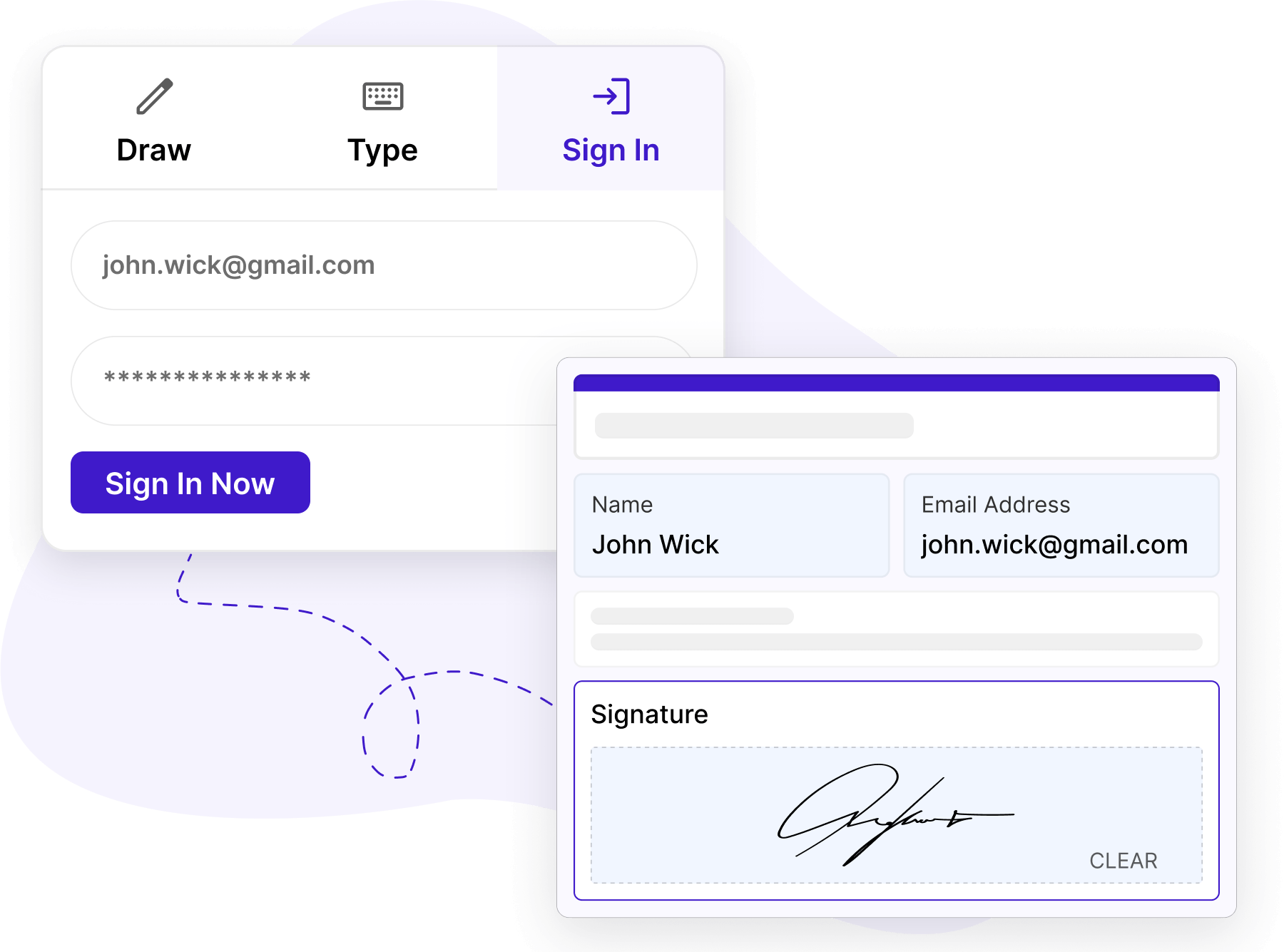
One-click login for faster signing

One-click login for faster signing

Enable secure one-click login so signer details like name, email, and signature are automatically populated for a smooth signing experience.

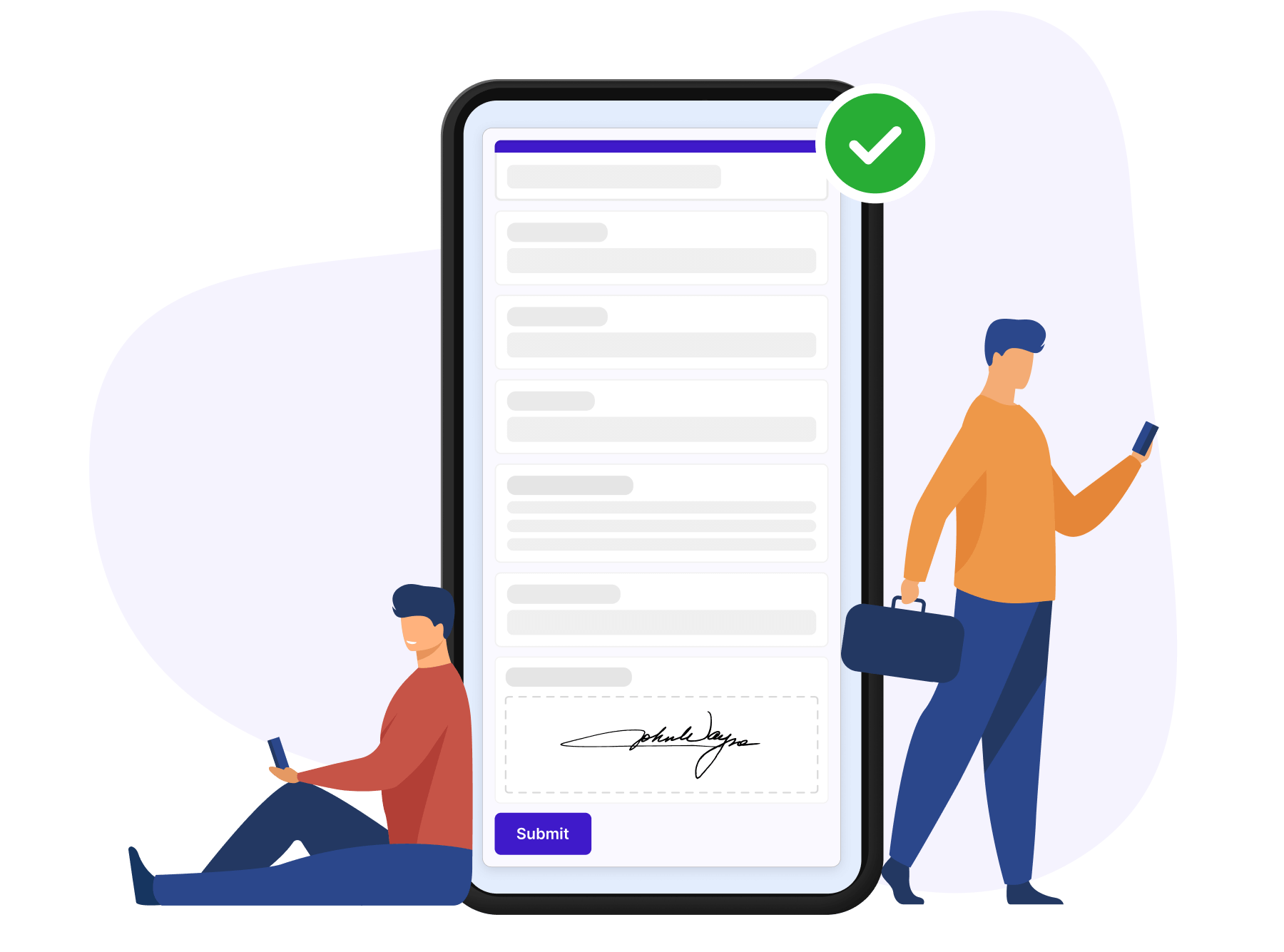
Sign documents anywhere, anytime

Review, approve, and sign documents on any device with mobile-friendly, responsive layouts designed for seamless signing on the go.

Sign documents anywhere, anytime

Avoid costly fines for non-compliance with HIPAA regulations

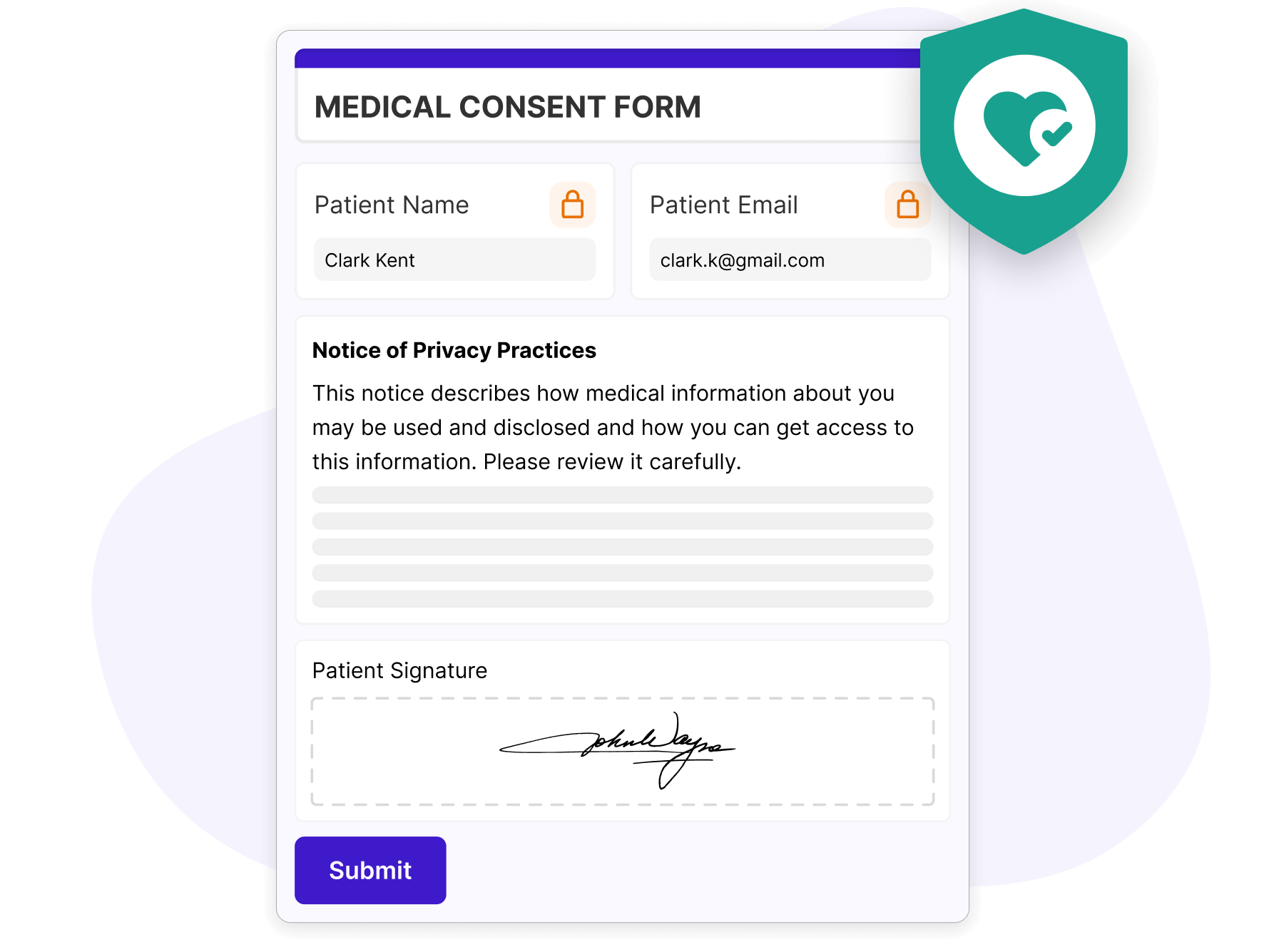
Get informed patient consent

Collect patient signatures for treatment consent, privacy notices, and authorized use of PHI while ensuring compliance with HIPAA privacy regulations.

Get informed patient consent
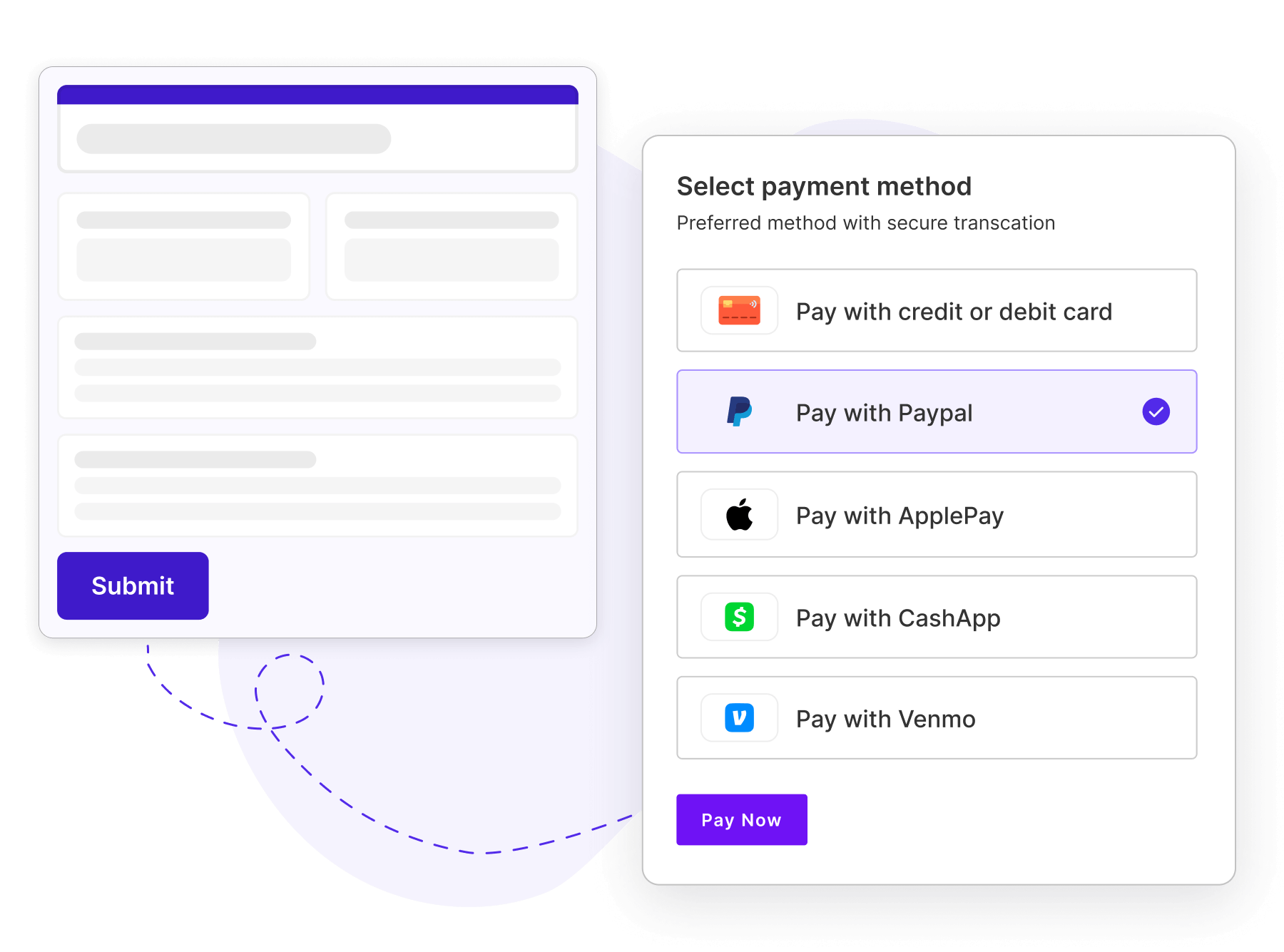
Payment compliance without the hassle

Payment compliance without the hassle

Use separate payment consents, manage pre-authorization holds, and stay compliant with evolving regulations such as New York billing transparency laws.

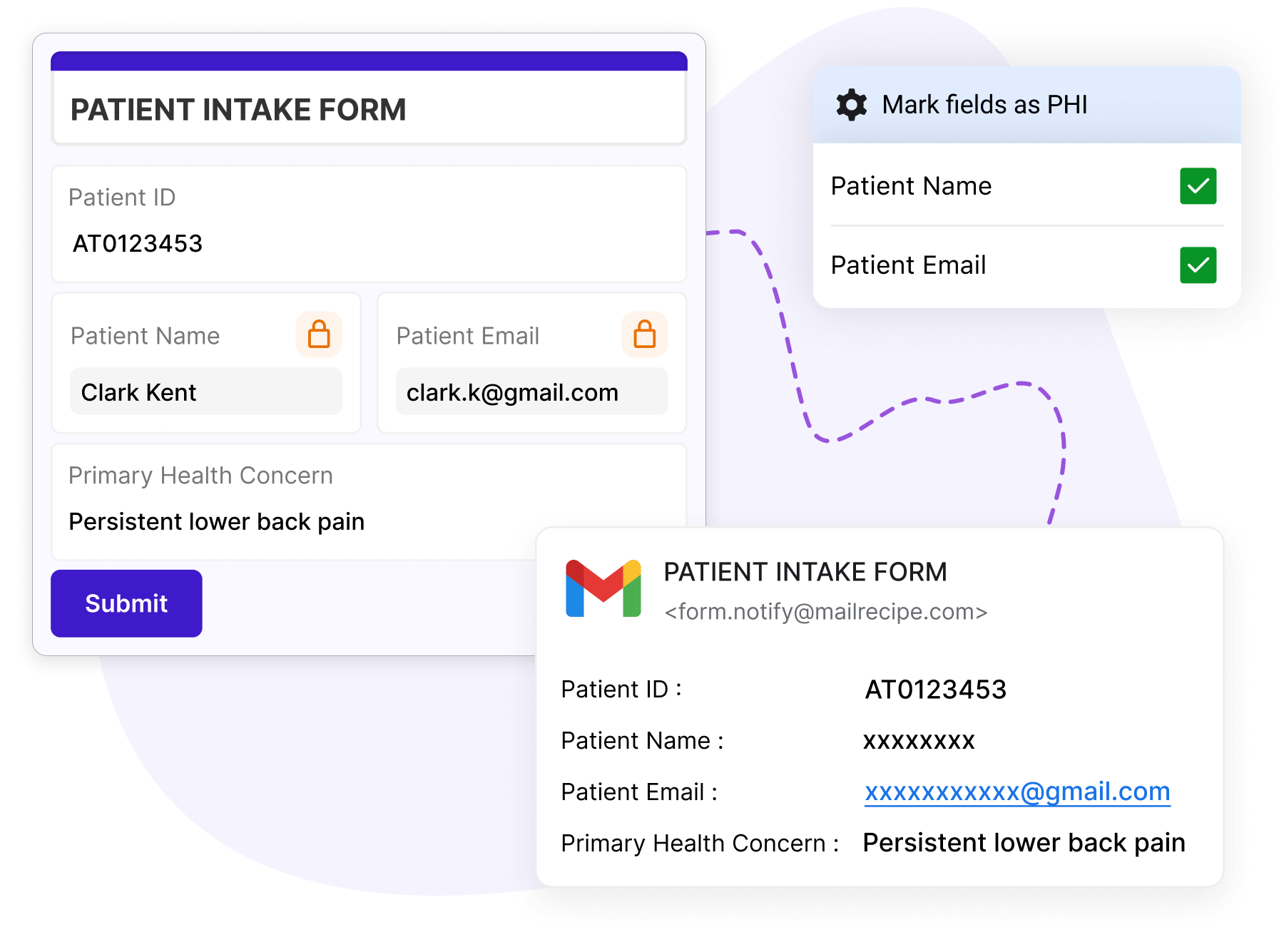
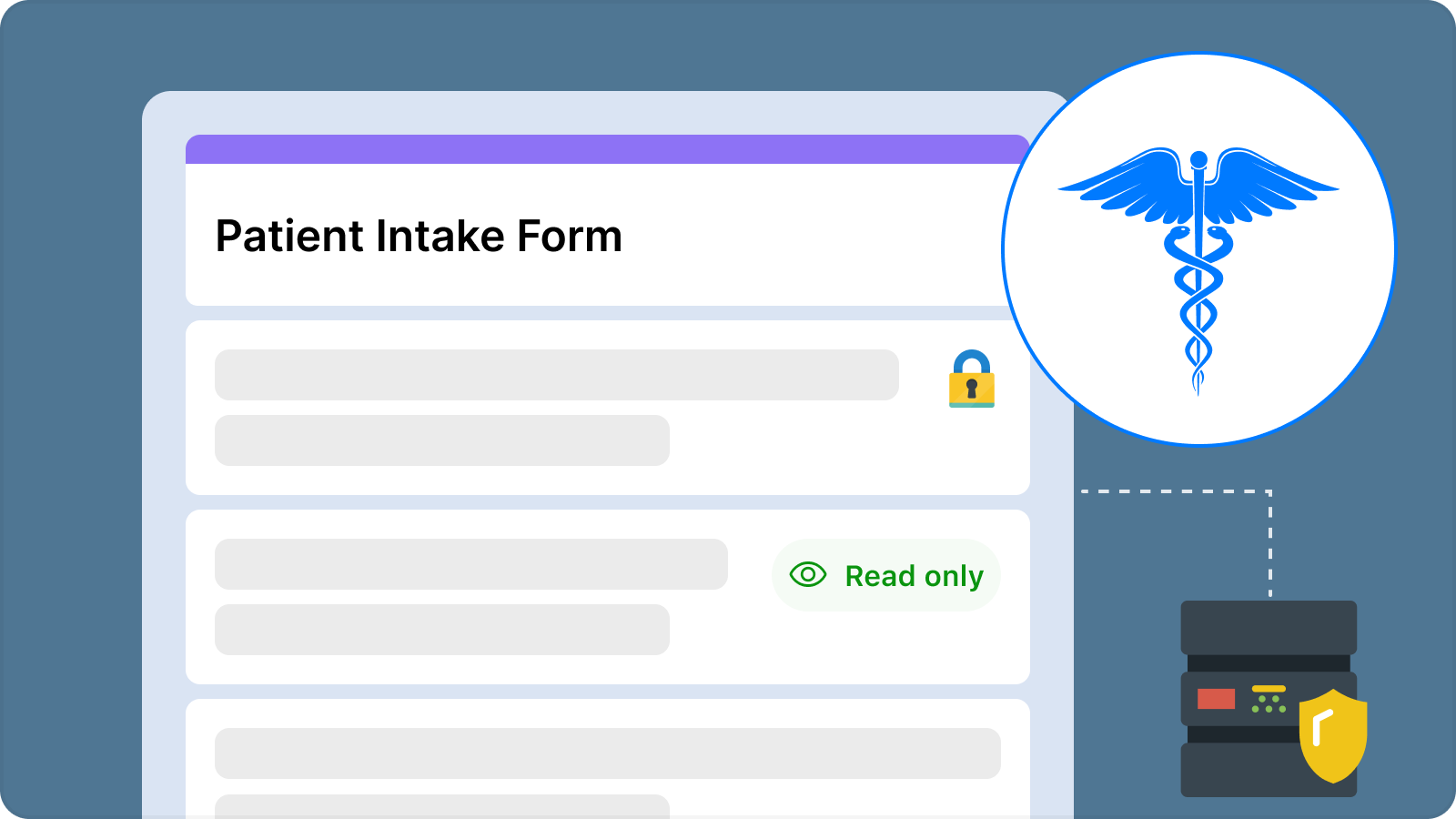
Collect patient details securely

Mark form fields as PHI to protect sensitive patient information, restrict access during exports, and automatically mask PHI in emails.

Collect patient details securely
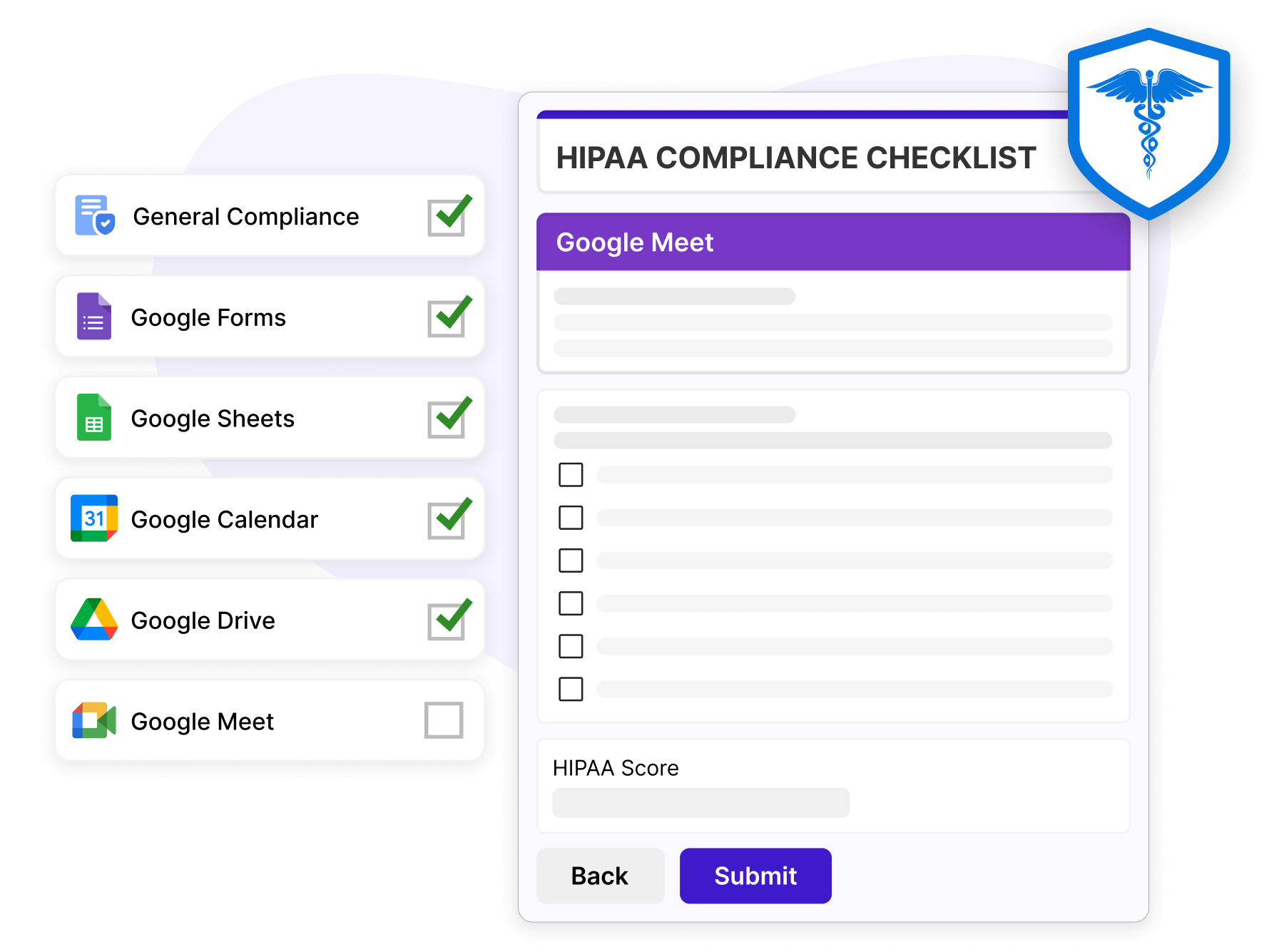
HIPAA compliance made simple

HIPAA compliance made simple

Identify compliance gaps using a HIPAA checklist, implement required safeguards, and maintain the right security controls with confidence.

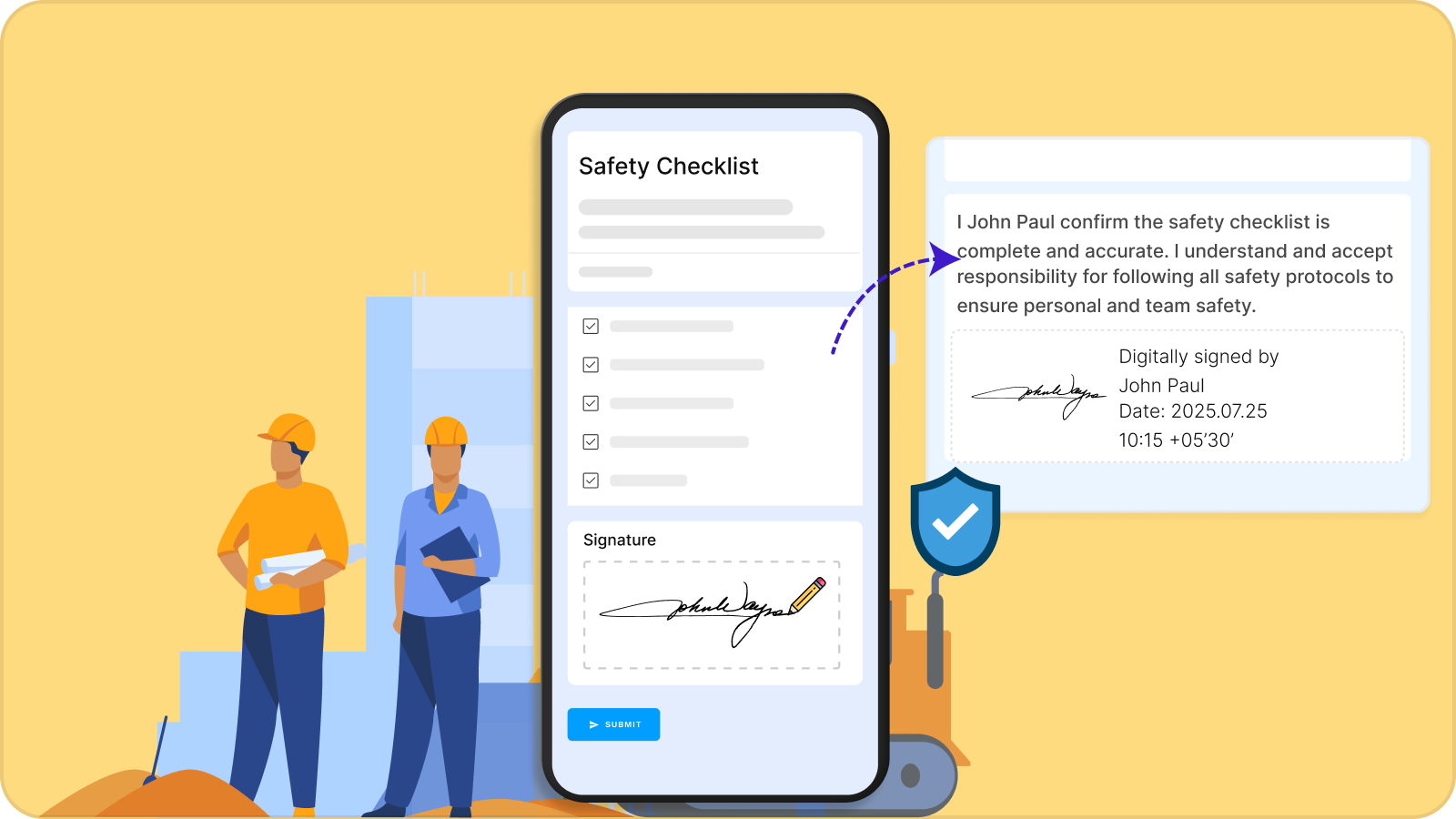
Never lose another form before your safety audits

Forms employees actually complete

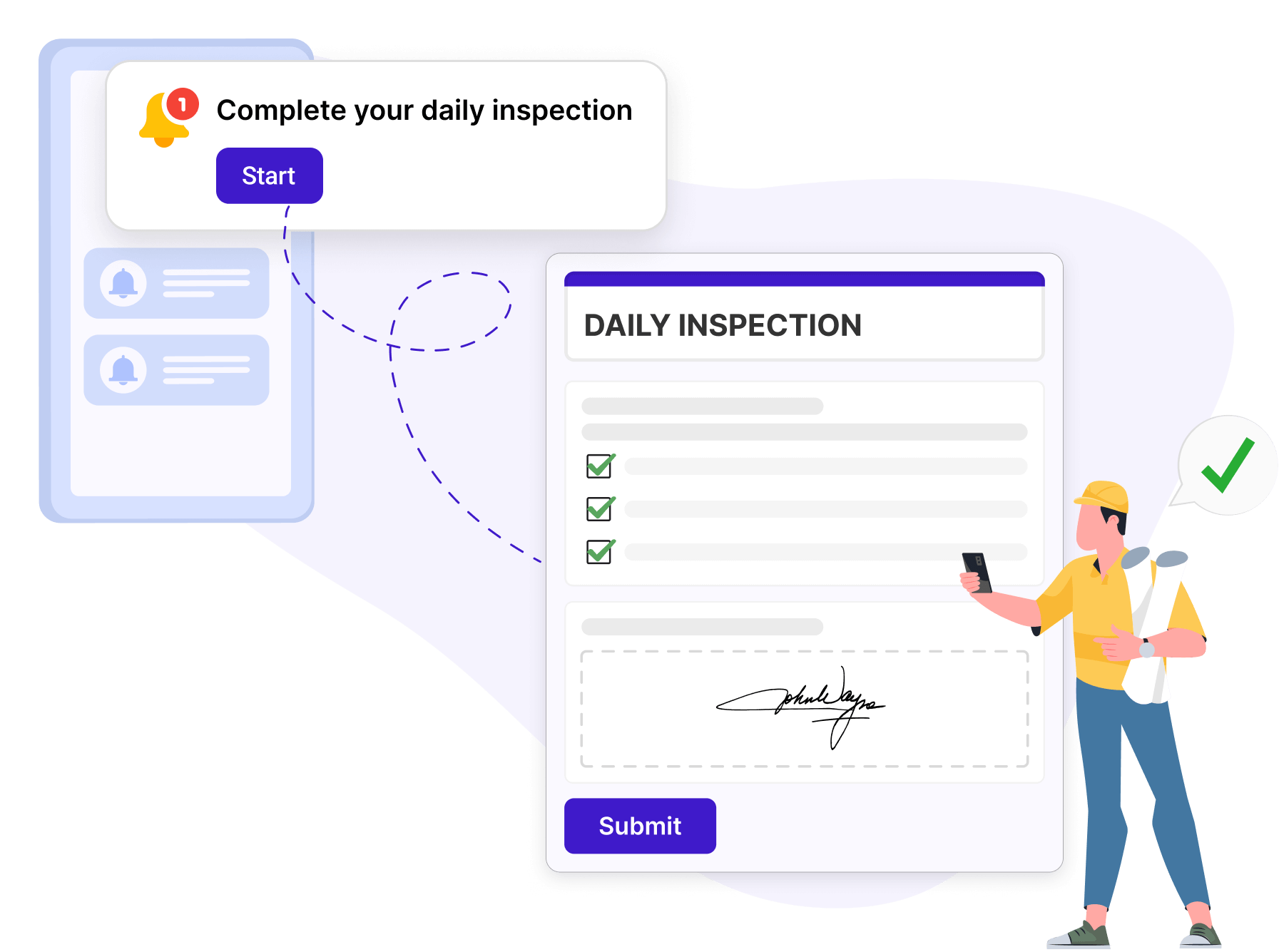
Workers finish forms on time with mobile-friendly, easy-to-use forms supported by push notifications and automated workflows, driving up to 98% completion rates.

Forms employees actually complete
Avoid costly citations and failed audits

Avoid costly citations and failed audits

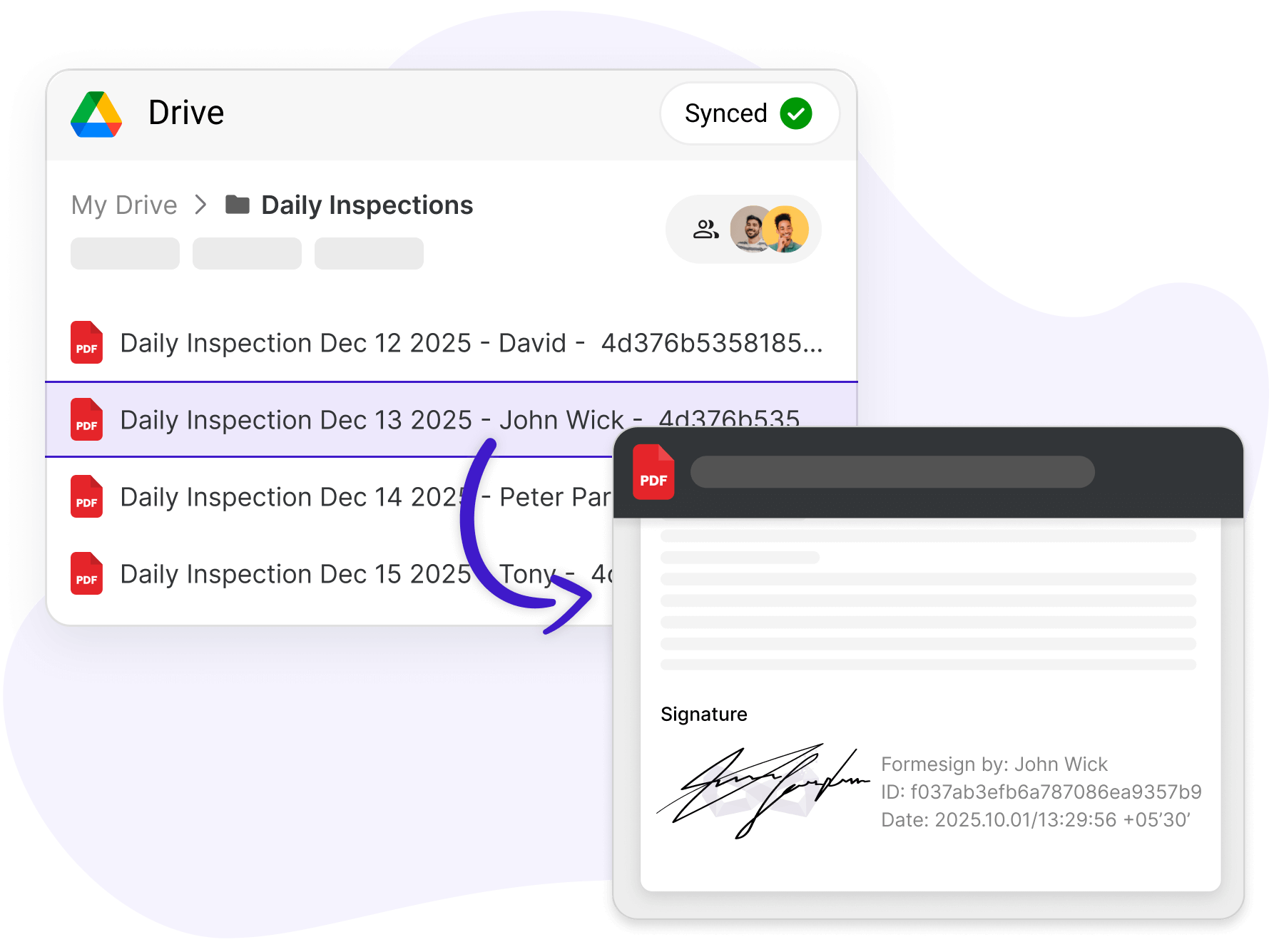
Every form is timestamped, GPS-tagged, and securely stored in Google Drive, making it easy to instantly share compliant documentation with auditors and inspectors.

Stop chasing workers to complete forms

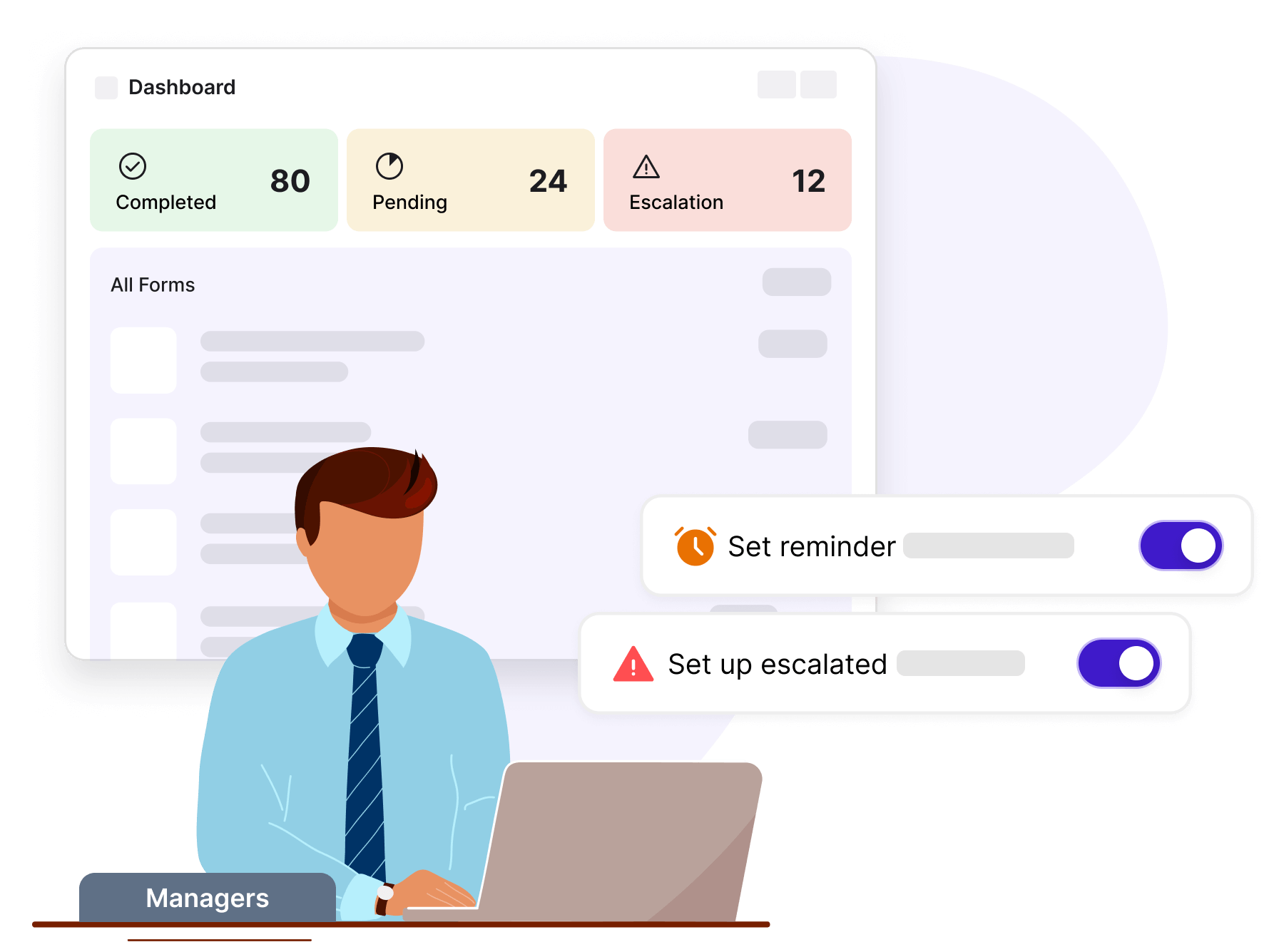
Use automatic push notifications and escalation alerts to improve completion rates and cut monitoring time from hours to minutes each week.

Stop chasing workers to complete forms
Win bigger contracts

Win bigger contracts

Meet enterprise safety certification and ISO requirements with complete, audit-ready documentation that helps you prove compliance and get certified faster.

Health and safety compliance made simple

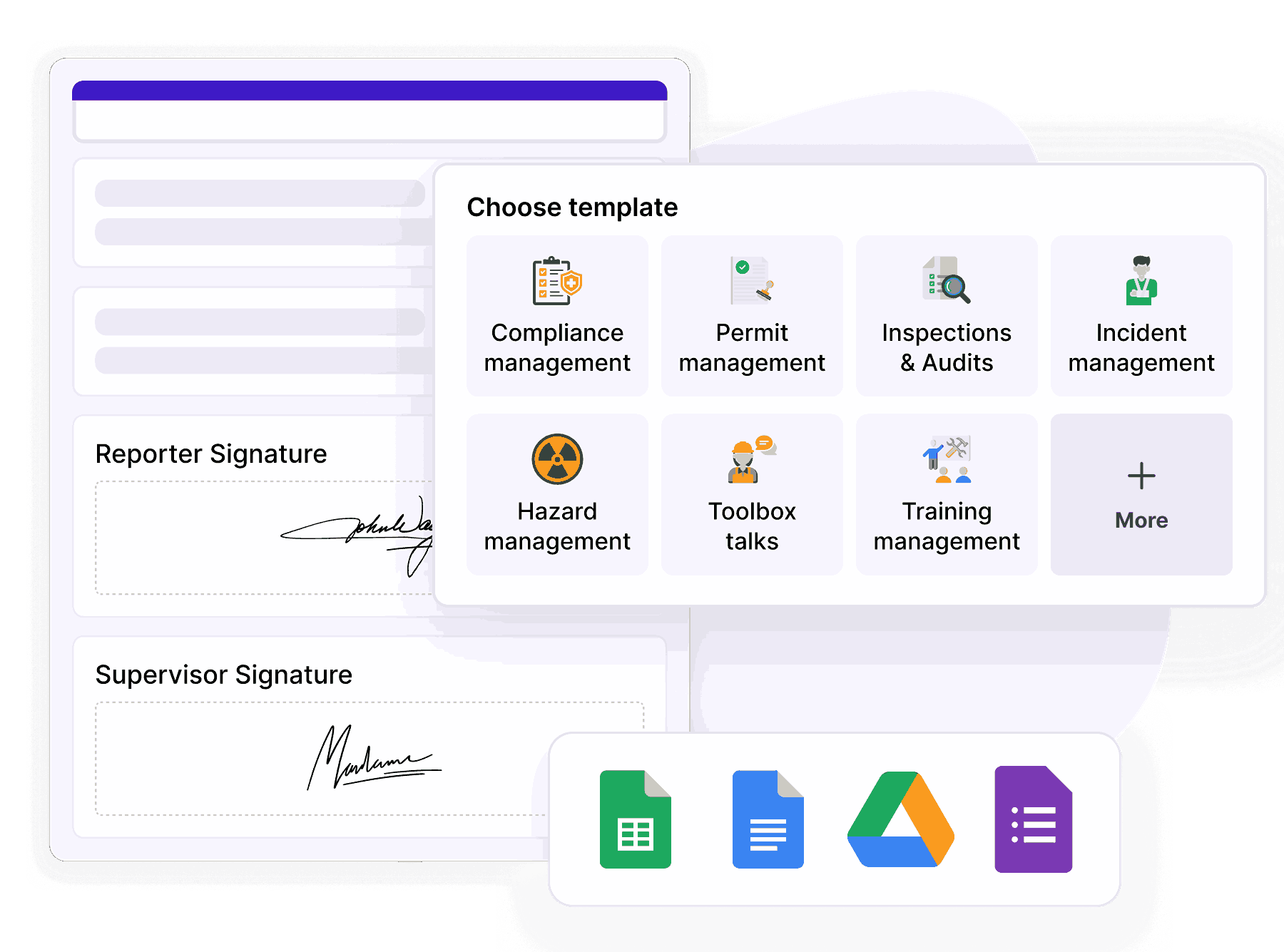
Standardize inspections using ready-made templates, enforce documentation controls, and maintain secure, audit-ready records in Google Drive long term.

Health and safety compliance made simple

Customers love us

Royal Bush

I am 100% a fan of this company. We use HIPAA compliant Google Forms and needed a way to collect signatures, the industry standard company is TOO expensive. I started using FormEsign and it worked perfectly. It lacked the ability to provide a pdf copy of the form after signature. This company worked with me help their product evolve into something that could benefit all future clients AND the end user.

Sol Evans

I am not tech savvy. I chose formesign to help create registration links for clients. My company now has moved from the stone age to modern age through the ability to use this feature. Of the many features I am impressed with, the ability to update a form without needing to regenerate a link is amazing. I often make mistakes and that ability allows me to fix mistakes without needing to change everything. Thank you!!!

Miquel Faro Palau

We found in Formesign a perfect solution to collect a big amount of signatures for consent forms in a short amount of time. Our experience was great and the support team was really helpful.



From healthcare to construction.

400+ organizations trust us.

Our products

Collect signatures right inside Google Forms, Google Docs, and Google Sheets.

Our solutions

From intake to HIPAA compliance and OSHA compliance, create forms that simplify workflows.

Make Your Google Forms Compliant